
Bite Your Tongue
Launching Bite Your Tongue
Preparing the browser build...
Bite Your Tongue

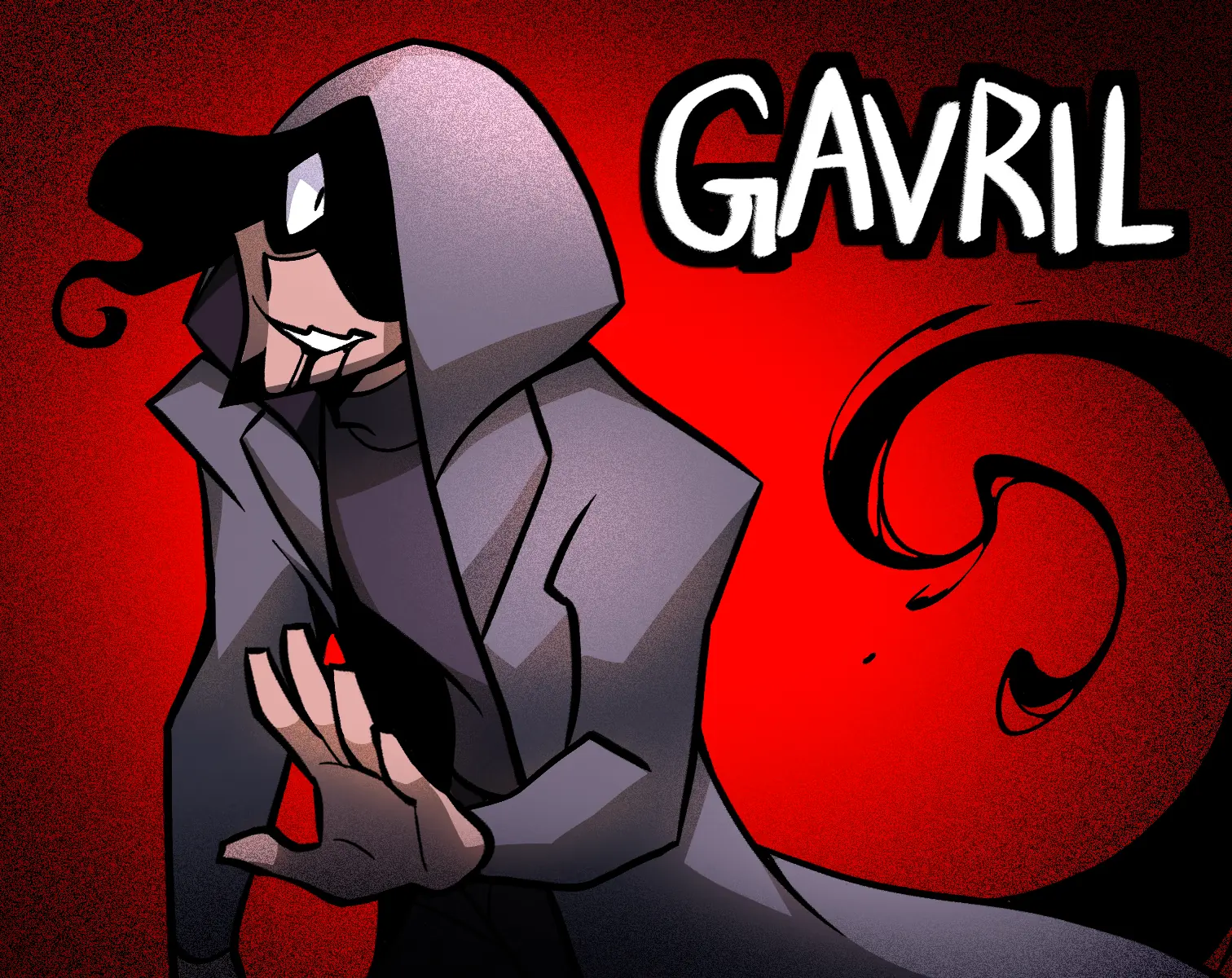











Begin the Bite Your Tongue browser demo
Your phone delivers instructions from someone who knows a secret you cannot afford to expose. Bite Your Tongue turns that premise into a reading based thriller, with dark romance woven through a day of escalating trouble. You advance the narration, answer characters, and occasionally react before a countdown expires. This page hosts the playable demo, so you can discover the opening situation and its relationship choices directly in the browser.
You do not need fast movement controls or combat knowledge to get started. The important actions are reading, selecting a reply, and recognizing when an answer has a time limit. Much of the suspense comes from the protagonist’s thoughts and from conversations that become awkward or threatening. Give those passages enough attention to understand why an apparently small decision matters.
Set up your first session
Select Play now and allow the player to load. Once the game’s menu appears, start a new game. Bite Your Tongue asks you to enter a name and choose pronouns before introducing the first morning scene. Confirm the choice when prompted, then continue into the narrative. A desktop browser is the easiest starting point because the dialogue and menus have plenty of space.
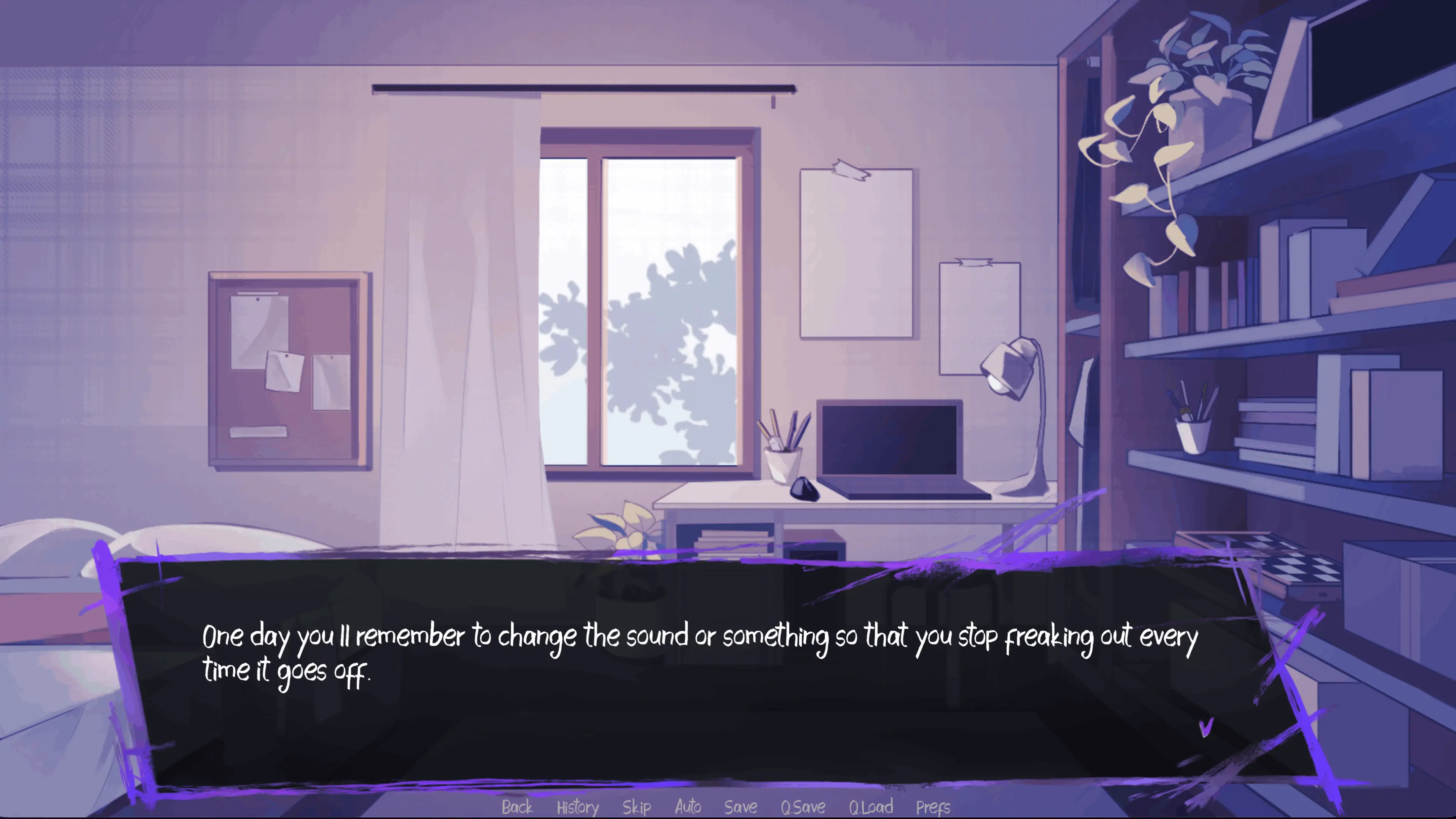
Click the game area to advance a line after you have read it. When several answers appear, select the one you want the protagonist to give. The controls along the lower edge include History, Save, quick save, and preferences. Use the text speed slider if the presentation feels too slow or too quick. Lower the music or effects volume independently when you need a quieter session.
Understand the countdown choices
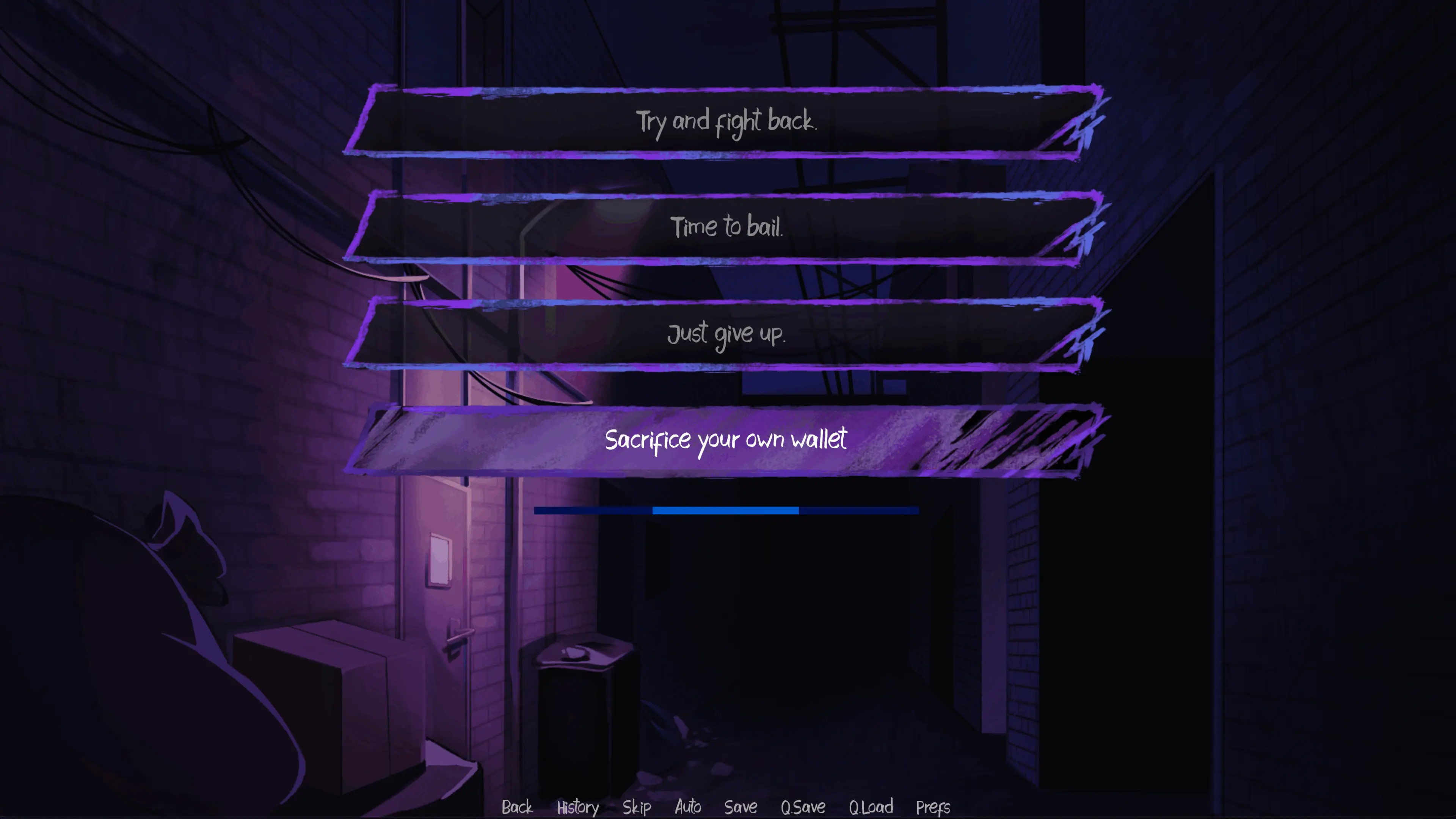
Some menus in Bite Your Tongue use a visible timer. One of the earliest asks you to deal with a ringing alarm; later pressure appears in encounters around the city. When you see the bar, focus on the options rather than waiting for another click to move the scene forward. The remaining time is part of the decision.
If time runs out, the script has a response for that hesitation. It does not mean the player has stopped working. Bite Your Tongue can carry on with a different reaction, so read what follows before deciding to reload. An unanswered question can be interesting on a replay even if you prefer making a deliberate choice during your first attempt. Do not assume every tense menu behaves like an untimed conversation.
For ordinary dialogue, slow down whenever the meaning needs another look. History helps you check the previous wording without guessing from memory. There is a difference between a character’s spoken reassurance and the protagonist’s private reaction, and reading both makes the situation easier to follow.
Use saves to compare responses
Before a conversation you want to revisit, make a manual save in an available slot. Keep that position separate from a later save used to continue your main session. Bite Your Tongue offers different answers throughout its opening, and returning to a known point is more convenient than starting everything again. Choose one alternate response at a time if you want to understand what changed.
The browser handles local game data, so use the same browser and device when returning. Avoid clearing its stored site data if you want to keep that progress. Do not assume a save will follow you to another computer or survive a private browsing session. These simple habits make it easier to explore Bite Your Tongue without losing your place between visits.
Know what the demo can resolve
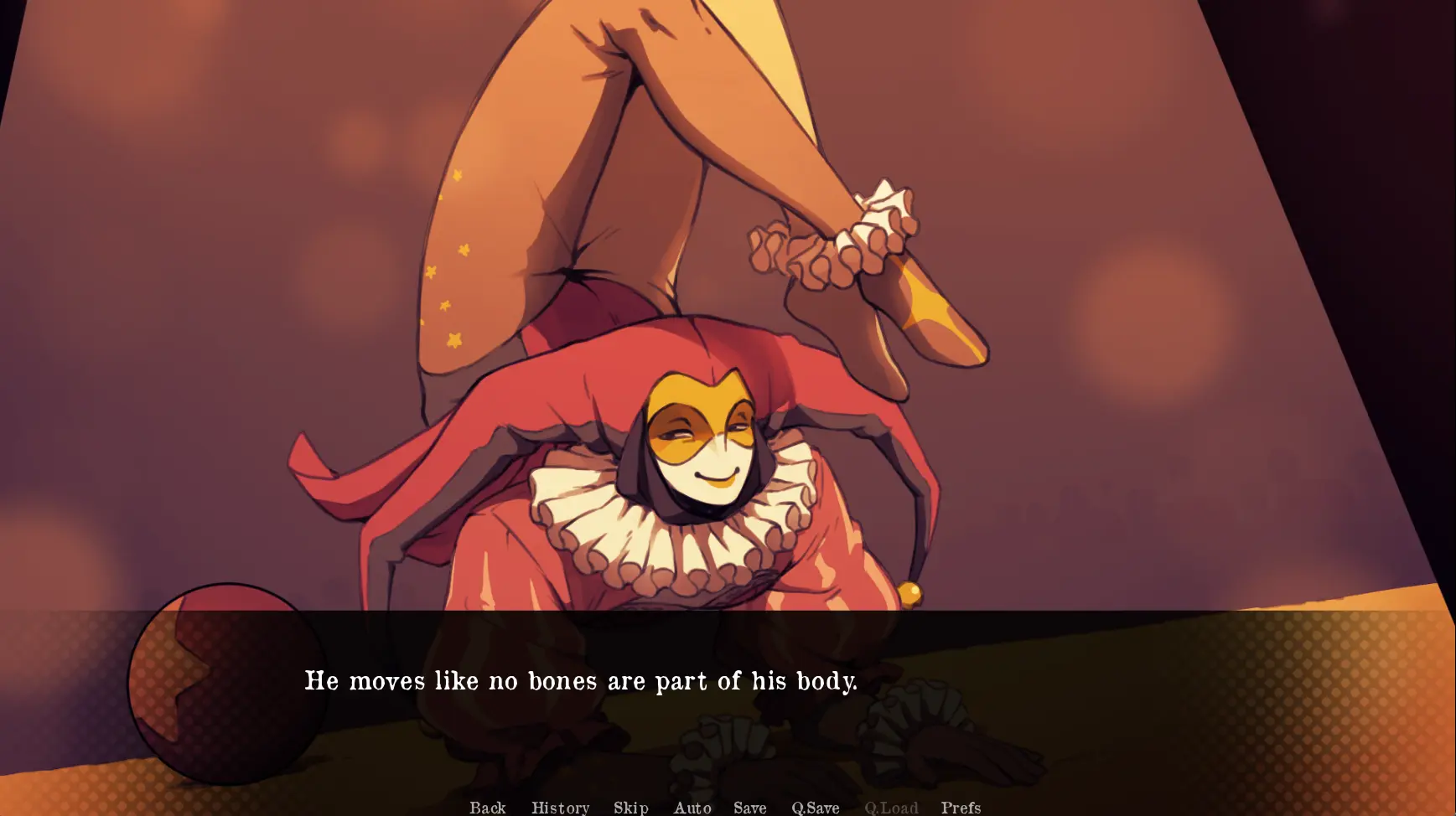
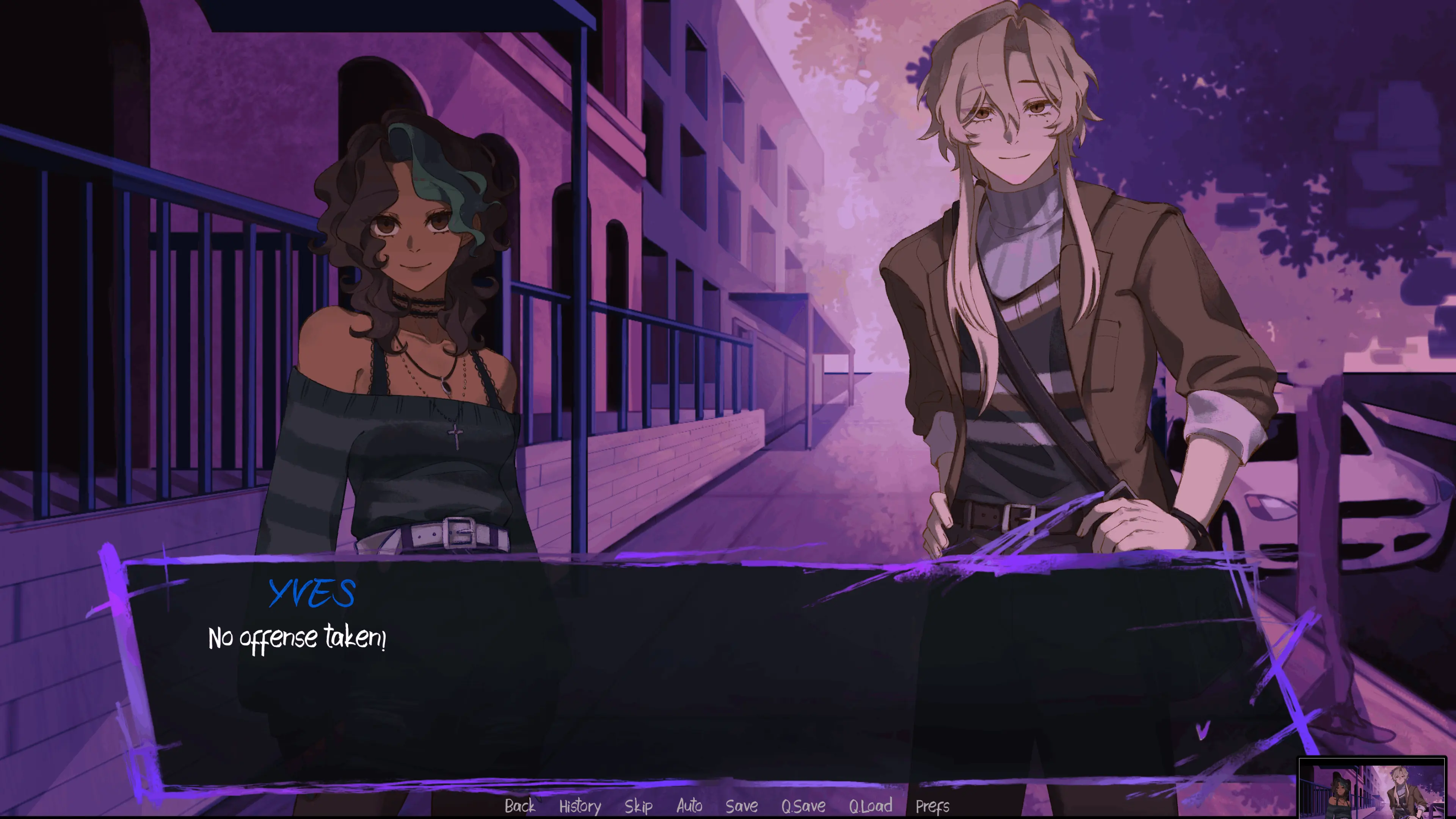
Rhys and Elain provide the two romantic directions introduced here. Your earlier interactions affect which connection receives emphasis around the stopping point. Bite Your Tongue contains roughly 12,000 words in this demo, with illustrated scenes and animated CGs accompanying the text. It builds the mystery and leaves space for later developments rather than concluding the whole story.
Thirteen endings have been announced for the complete game. They are future full version content, not thirteen demo rewards waiting to be discovered. When Bite Your Tongue displays its demo ending, you have reached the available narrative boundary for that playthrough. Revisiting the other relationship direction is worthwhile, but repeatedly restarting will not unlock an unavailable finished campaign.
Read the warnings and keep loading simple
Bite Your Tongue deals with blackmail, stalking, dangerous behavior, panic attacks, dissociation, murder, blood, and death. Consider those themes before beginning. If a scene becomes upsetting, pause your session and return only if you feel comfortable doing so. Romance is part of the presentation, while the threat remains central to the experience.
The initial game download can take longer than an ordinary article to open. Let it finish before repeatedly refreshing the page. If you try a phone, rotate it horizontally and check whether the text and answers are comfortably readable. Mobile results depend on browser support and memory; a laptop remains the practical choice when a small screen makes the timed decisions difficult.
Bite Your Tongue Screenshots
Bite Your Tongue FAQ
What do I do after launching the player?
Wait for the opening load, choose to start a new game, and enter your name and pronouns. Click through the narration and select replies from the displayed menus.
What happens if a choice timer expires?
The story follows a scripted response to the protagonist's hesitation. It can continue without your selection, so watch for the countdown rather than treating it as a loading indicator.
How can I keep my progress?
Use the in-game save controls and return with the same browser and device. Clearing site data or using a temporary private session can remove locally stored progress.
Is this the complete Bite Your Tongue game?
This is the approximately 12,000-word demo. It introduces two love interests and relationship directions. The thirteen endings announced for the finished game are not all available here.
What sensitive subjects are included?
Warnings cover blackmail, stalking, threatening behavior, panic attacks, dissociation, murder, blood, and death. Read them before committing to a session.
Can I play on a mobile browser?
Mobile performance is device dependent. Landscape mode helps with text and choices, but a desktop or laptop provides a more comfortable view and easier interaction with timed menus.